Translations
Translating charts is part of the Pro plan.
- Add your languages in Shopify under Settings → Languages.
- In SizeGrid, open a chart and scroll to Translations.
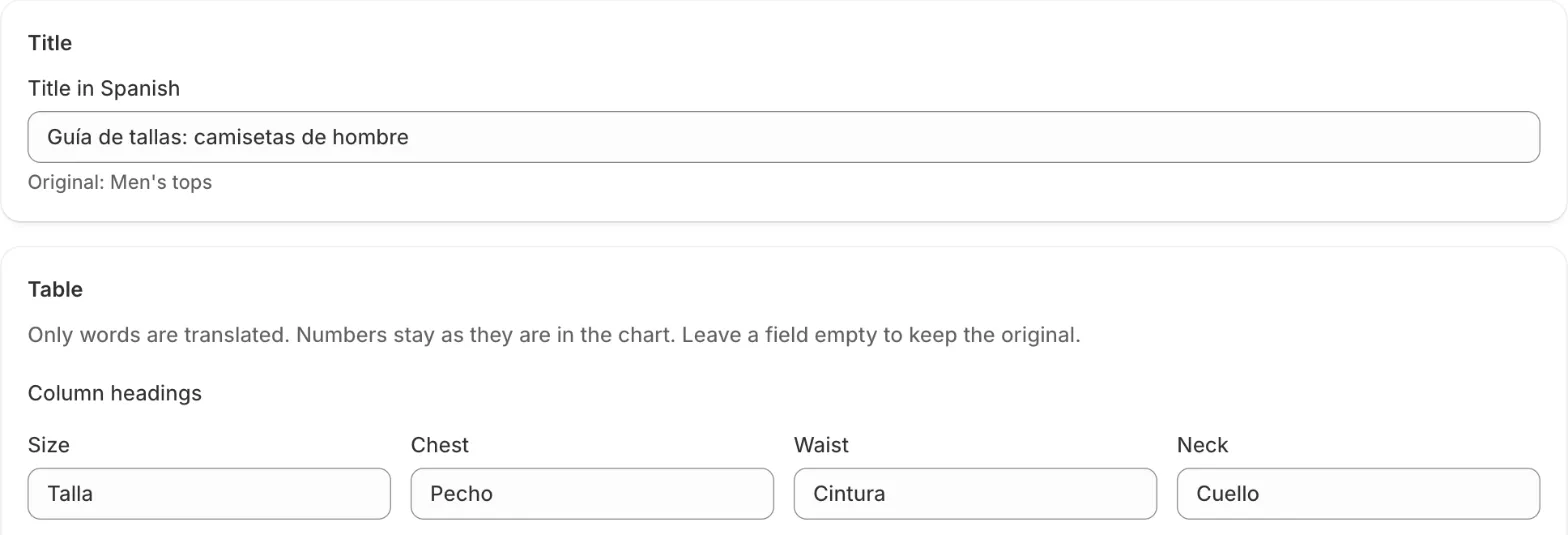
- Click Translate next to a language. Enter the title, column headings, size names and the measuring tip. Numbers are not translated, so a translation can’t change a measurement.
- Click Save. Shoppers who browse in that language see the translated chart.
If you change the chart later, the translation page shows a reminder to check it.
The Close, Units and size finder texts are built in for English, Spanish, French, German, Italian, Dutch, Portuguese, Polish, Swedish and Danish.
Shopify Translate & Adapt also lists your charts under Metaobjects; there the table appears as raw data, so the SizeGrid translation page is easier.