
Charts and rules
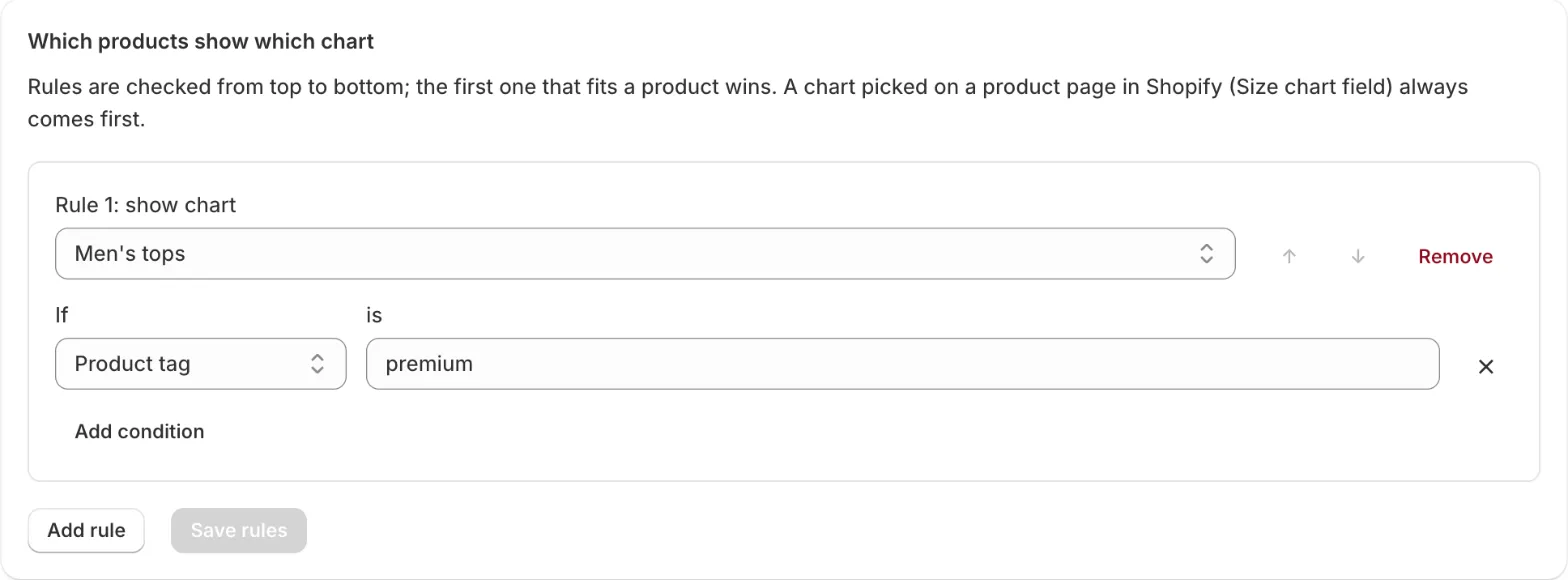
Each product shows at most one chart. SizeGrid picks it in this order:
- A chart chosen on the product. In the product page in Shopify, the Size chart field (Metafields section) always wins.
- The first rule that fits. Rules are checked from top to bottom; use the arrows to change the order.
Conditions
Section titled “Conditions”A rule can check:
| Condition | Example |
|---|---|
| Product tag | tops |
| Vendor | Acme |
| Product type | T-Shirt |
| Collection | New in |
Upper and lower case don’t matter. With several conditions, choose All conditions (tag and vendor) or Any condition (tag or vendor). A rule with no conditions matches every product, which is handy as the last rule.
- Put specific rules first (Vendor Acme and tag shoes), general ones last (tag shoes).
- Deleting a chart doesn’t break rules: rules that point to it are skipped.
- Charts and rules are saved in your store. They stay there if you remove the app.